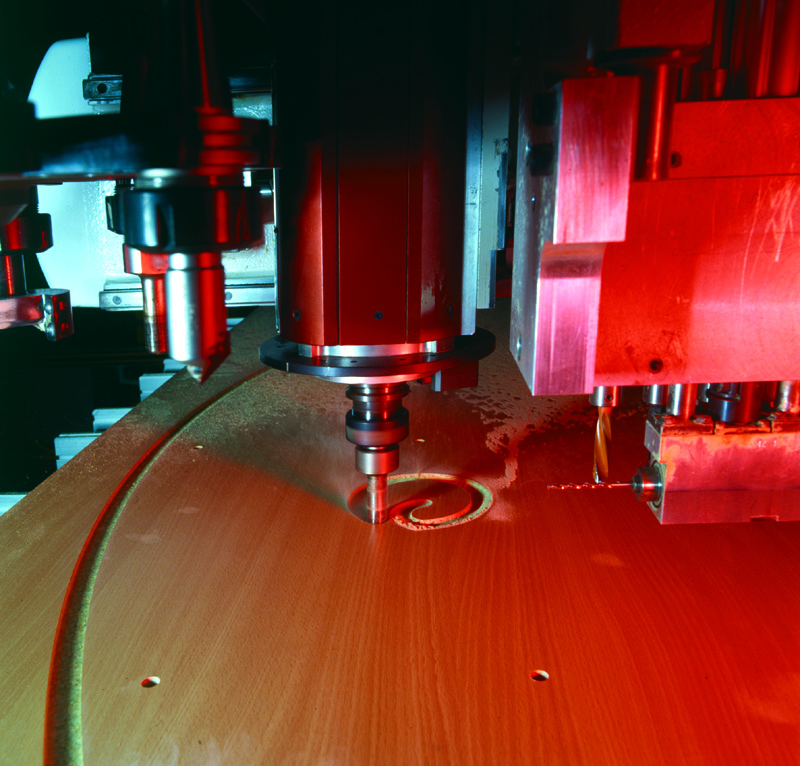
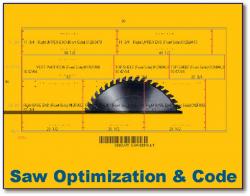
CADCode is manufacturing software designed to give you your choice of your software and hardware components by integrating third-party design and specialty software with CNC machinery for both work cell and nesting-based manufacturing. Avoid obsolescence by using a central control interface to import part information from multiple sources and output ready-to-run g-code programs and part labels for a vast library of CNC machine controls.
ProductionMaster™– Combines all of the components needed to run production with a work cell (saw and point-to-point) and nested-based manufacturing – file import, optimization, saw code, machine code, and labeling – all from a central control interface and with the option to run any job, or all jobs, through all of the machines simultaneously.
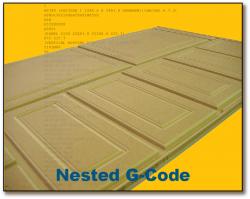
NestMaster™– Complete package for industrial nested-based manufacturing, including flexible file import, block optimization, advanced nesting processes, and at-the-router part labeling.
NestMaker™– Economical but full-featured package for nested-based manufacturing geared to the small shop with one router and a single source for data.
NestLink™– Basic file import and conversion to nested g-code programs for routers.
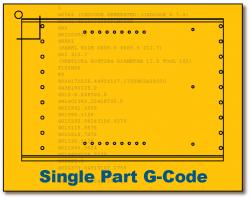
PartMaster™– Complete package for manufacturers using work cells for panel processing, featuring flexible file import, saw optimization and programs, parts labeling, and g-code for one or more point-to-points.
PartMaker™– Economical but full-featured package for work-cell shops needing file import from a single source, saw optimization and code and point-to-point g-code and part labels.
PartLink™– Basic file import and conversion to g-code programs for point-to-points.
OptiSaw™– Stand-alone saw optimization for either automatic or manual panel saws, with either saw programs or pattern print-out.
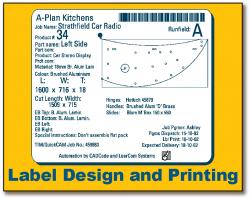
NestLabel™–On-demand, at-the-machine labeling for nesting routers. Call up and display cutting patterns (nests) via barcode or selecting jobs from a directory. Select the part on-screen and click to print a label for a fail-proof one-to-one correlation between the part and label. NestLabels saves your work if you need to switch between panels. Reprinting a label is as simple as clicking on the part a second time. For pre-labeling sheets before they’re machined, consider our laser projection option. Requires a PC with pointing device (mouse or touchscreen) and barcode label printer; hardware is not included.
SeeSaw™ - Automatic, real-time labeling for label-capable CNC saws. When the operator selects a job for processing, the saw automatically access the label database for the label information and generates the signal to print a label as parts are cut. Can be set to print individual or stack labels. Requires a standard Windows-compatible barcode label printer; hardware is not included.
SawLabel™OnDemand – For at-the-machine on-demand labeling for manual saws. Call up and display cutting patterns via barcode or selecting jobs from a directory. Select the part on-screen and click to print a label for a fail-proof one-to-one correlation between the part and label. SawLabels OnDemand saves your work if you need to switch between panels. Reprinting a label is as simple as clicking on the part a second time. Requires a PC with pointing device (mouse or touchscreen) and barcode label printer; hardware is not included.
 ACAM™ (Automated CAM Module) – Now expanded to enhance the use of BricsCAD® or AutoCAD® production work. Import jobs via DWG files, eliminating the need to collect and import individual DXF files. Right-click on parts in CADCode to edit on-the-fly in your CAD software and choose if you want to save changes to the original file. Automatically generate fresh code from your modified results. A ‘must-have’ for BricsCAD and AutoCAD users.
 BricsCAD®- CADCode Systems is an authorized Bricsys Partner and BricsCAD reseller. Order yourBricsCAD products and all-in maintenance through our dedicated link. Click on the icon to be directed to the BricsCAD site to register for a free 30-day trial.